

Key Takeaways Summary
- Prioritize Software Proficiency: Hiring managers explicitly look for administrative assistant resume skills like Microsoft Office 365, Google Workspace, Zoom, and CRM familiarity (Salesforce, HubSpot).

- Quantify Your Impact: Don’t just list duties; list achievements. E.g., “Managed travel for 5 executives” or “Reduced office supply costs by 15%” is vital for a strong resume for an administrative assistant.

- Tailor to the Job Description: Analyze the specific administrative assistant resume job description to identify keywords (e.g., “calendar management,” “travel logistics”) and weave them into your profile.
- Showcase Soft Skills: Emotional intelligence, discretion with confidential information, and adaptability are top traits recruiters seek in a resume of an administrative assistant.

- Use Reverse-Chronological Format: This is the industry standard for an administrative assistant resume as it highlights your most recent and relevant office support experience first.
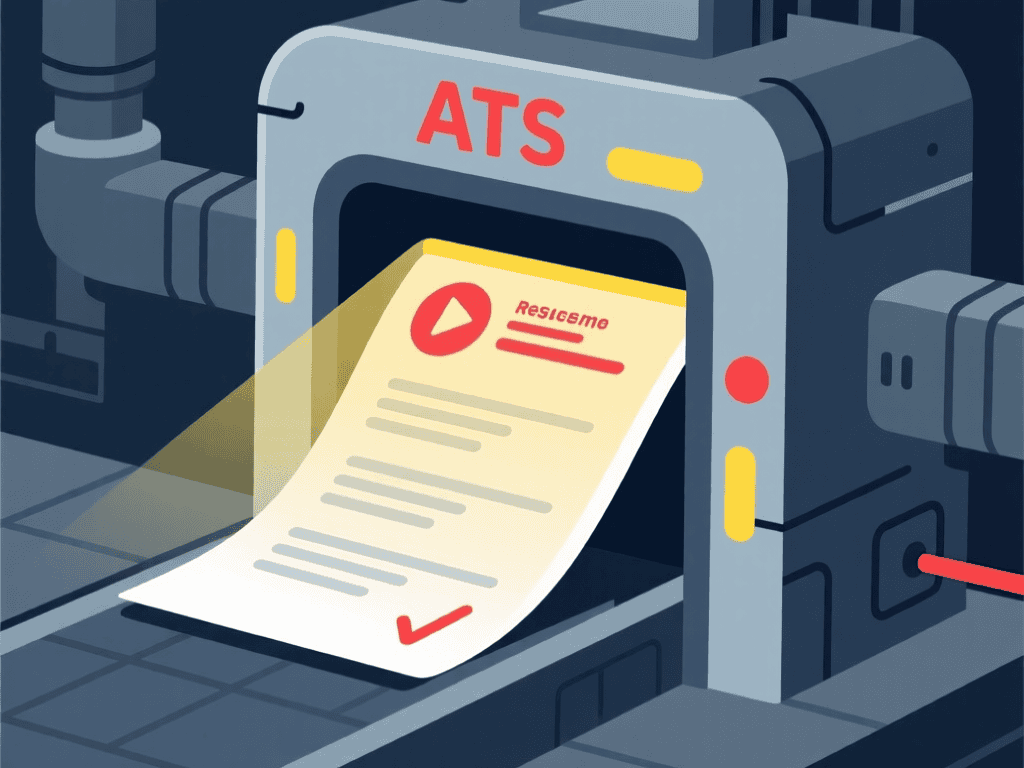
- ATS Optimization is Key: Use standard headings and clean layouts to ensure your resume for a administrative assistant passes Applicant Tracking Systems.
Introduction
The role of an Administrative Assistant has evolved significantly. You are no longer just answering phones; you are the operational backbone of the company, managing complex schedules, coordinating international travel, and often acting as a gatekeeper for senior leadership. Creating a resume of administrative assistant that reflects this high level of responsibility is crucial in 2026.
A generic document won’t cut it. To land interviews at top firms, your administrative assistant resume must showcase a blend of technical proficiency and impeccable soft skills. Whether you are an entry-level candidate or a seasoned executive assistant, the way you present your organizational prowess makes all the difference.
This guide provides a comprehensive breakdown of how to write an eye-catching resume, complete with examples, skill lists, and formatting strategies designed to beat the ATS bots. 📂
✨ Build your Admin Resume
Sarah Mitchell
Administrative Assistant • Chicago, IL
Email: sarah.mitchell.office@gmail.com •
Phone: (312) 555-4822
Profile
Proactive Administrative Assistant with 7+ years of experience supporting C-level executives and fast-paced office environments. Expert in complex calendar management, travel logistics, and expense reporting. Proven track record of improving office workflow efficiency by 25% through digital process optimization.
Experience
Senior Administrative Assistant – Beacon Corporate Solutions (2020–2024)
• Managed daily operations for a department of 40+ employees
• Maintained executive calendars for VP-level leadership, resolving 15+ scheduling conflicts weekly
• Reduced office supply expenses by 20% through vendor negotiation and inventory optimization
Administrative Coordinator – Westfield Consulting Group (2017–2020)
• Coordinated internal and external meetings, agendas, and minutes
• Processed 50+ monthly expense reports with 100% accuracy using Concur
• Implemented a digital filing system, saving the team 10+ hours per week
Education
Associate Degree in Business Administration
Harold Washington College (2015–2017)
High School Diploma
Lane Tech College Prep (2011–2015)
Skills
Calendar Management • Microsoft Office 365 (Expert) • Google Workspace • Travel Coordination • Expense Reporting (Concur / Expensify) • Vendor Relations • Event Planning • Zoom / Microsoft Teams
Certificates
Certified Administrative Professional (CAP) – IAAP (2019)
Understanding the Modern Administrative Role
Before writing, it is essential to understand what employers want today. The modern resume for an administrative assistant needs to highlight technology. Gone are the days when typing speed was the only metric. Today, you must demonstrate proficiency in collaboration tools like Slack, Microsoft Teams, Asana, or Trello. Companies are looking for problem solvers who can handle logistics autonomously.
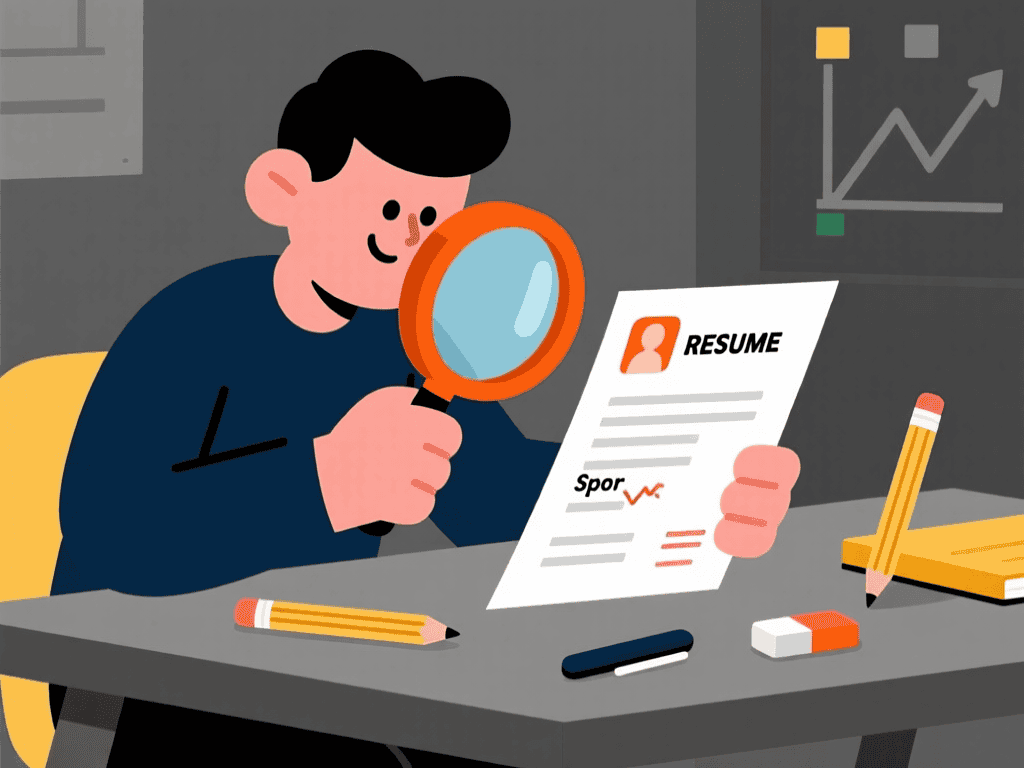
Your resume of an administrative assistant serves as your first work sample. If the document is disorganized, has typos, or lacks structure, a hiring manager will assume your work performance will be the same. Precision is your currency.
Structuring Your Administrative Assistant Resume
The layout of your administrative assistant resume dictates how easily a recruiter can read it. The most effective format is reverse-chronological. This structure places your current or most recent job at the top, which is critical because recruiters want to see your most relevant experience immediately.
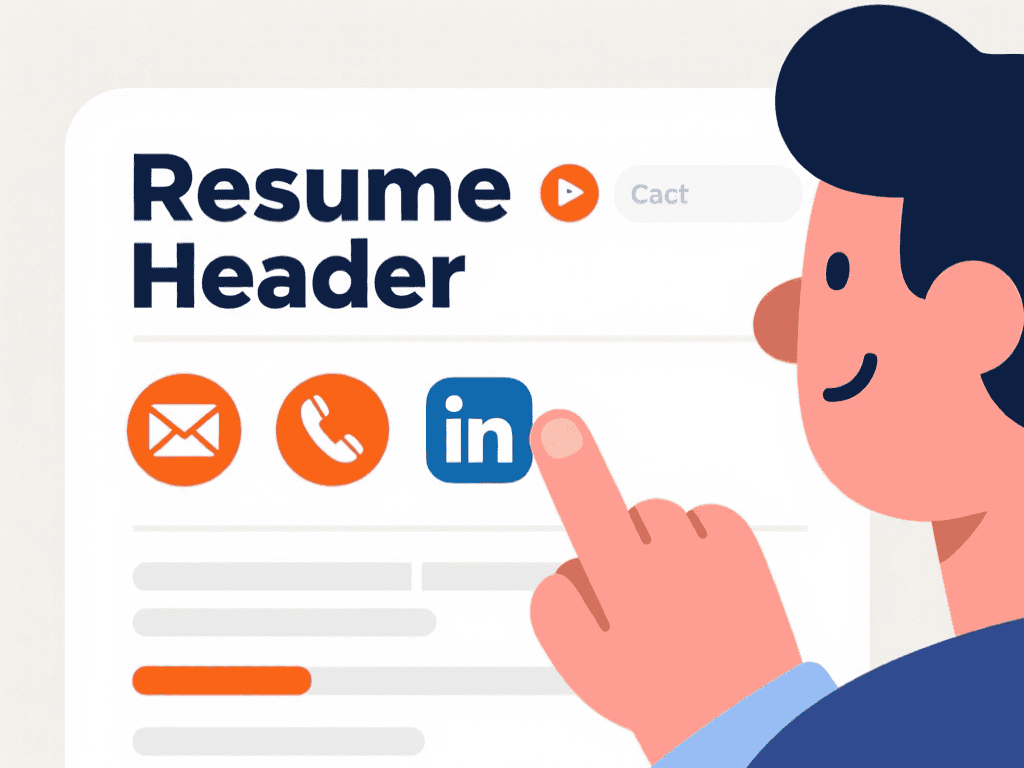
The Header: Your Contact Information
Keep this section clean. Include your name, phone number, professional email address (avoid nicknames), and LinkedIn profile URL. You do not need to include your full home address; City and State are sufficient. If you have a portfolio or a personal website showcasing projects, include that link as well.
The Professional Summary
This is the “elevator pitch” of your resume for a administrative assistant. Instead of an objective statement (which focuses on what you want), use a summary that focuses on what you offer. Mention your years of experience, key industries you’ve worked in (e.g., healthcare, finance, tech), and one or two major achievements.
Example: “Detail-oriented Administrative Assistant with 6 years of experience in high-volume legal environments. Proven expert in document management and travel coordination, reducing scheduling conflicts by 40%.”
🚀 Optimize your Admin Resume
Essential Administrative Assistant Resume Skills
When compiling your administrative assistant resume skills, you need to balance “Hard Skills” (technical abilities) and “Soft Skills” (interpersonal traits). This balance is what separates a good resume for administrative assistant from a great one.
Hard Skills to Include
These are teachable abilities or skill sets that are easy to quantify. For an administrative assistant resume, consider adding:
- Office Software: Microsoft Office (Word, Excel, PowerPoint, Outlook), Google Workspace (Docs, Sheets, Slides).
- Communication Tools: Zoom, Microsoft Teams, Slack, Skype.
- Project Management: Trello, Asana, Monday.com, Basecamp.
- Accounting/Expense Software: QuickBooks, Concur, Expensify, FreshBooks.
- CRM Systems: Salesforce, HubSpot, Zoho.
- Data Entry & Typing Speed: (e.g., 80 WPM, 99% accuracy).
Soft Skills to Include
Soft skills describe how you work and interact with others. These are vital for an administrative assistant resume job description match:
- Time Management: Prioritizing tasks in a fast-paced environment.
- Communication: Verbal and written clarity is non-negotiable.
- Adaptability: Handling last-minute schedule changes gracefully.
- Confidentiality: Handling sensitive data and executive correspondence with discretion.
- Problem-Solving: Resolving travel mishaps or meeting room conflicts independently.
Writing a Compelling Experience Section
The experience section is the core of your resume of administrative assistant. To make this section pop, you must use action verbs and numbers. Passive language kills resumes.
Instead of writing “Responsible for answering phones,” write: “Managed a high-volume switchboard, fielding 50+ calls daily and routing inquiries to appropriate departments with 100% accuracy.”
Instead of “Helped with meetings,” try: “Coordinated logistics for quarterly board meetings, including travel arrangements for 12 executives and catering management.”
Tailoring to the Job Description
Every administrative assistant resume job description is unique. Some emphasize bookkeeping, while others focus on event planning. Read the job posting carefully. If they ask for “travel coordination,” ensure your administrative assistant resume uses that exact phrase, not just “booking flights.” This helps you rank higher in Applicant Tracking Systems (ATS).
🤖 AI Resume Check Free
Education and Certifications
While a bachelor’s degree isn’t always mandatory, listing your education correctly adds credibility to your resume for an administrative assistant. List the degree, college name, and graduation year. If you are currently studying, list your expected graduation date.
Certifications can give you a competitive edge. Consider earning and listing:
- Certified Administrative Professional (CAP)
- Microsoft Office Specialist (MOS)
- Project Management Professional (PMP) – for senior roles
Common Mistakes to Avoid
Even the best candidates make errors on their administrative assistant resume. Avoid these pitfalls:
- Spelling Errors: As an admin, attention to detail is your job. A typo here is a red flag.
- Cluttered Layout: Use plenty of white space. A dense wall of text is hard to read.
- Irrelevant Hobbies: Unless it relates to the job (e.g., “Treasurer for local charity”), leave it off to save space for professional skills.
- Generic Duties: Avoid listing obvious tasks like “filed papers.” Focus on process improvements and specialized tasks.
How to Handle Employment Gaps
If you have gaps in your employment history, address them strategically in your resume of an administrative assistant. You can use a functional resume format (though reverse-chronological is preferred) or include a brief explanation in your cover letter. If you did freelance work, volunteer administration, or took courses during your gap, include those as relevant experience.
Final Polish: The ATS Check
Most large companies use ATS software to filter applications before a human sees them. To ensure your resume for a administrative assistant passes:
- File Type: Save your resume as a PDF (unless the job posting specifically asks for Word). PDF preserves formatting.
- Keywords: Sprinkle keywords from the administrative assistant resume job description throughout your summary and skills sections.
- Simple Graphics: Avoid heavy graphics, columns, or tables that ATS parsers might misread. Keep the design clean and professional.
By following these guidelines, your administrative assistant resume will stand out as a document of a professional capability, ready to tackle the challenges of a modern office environment. 💼
FAQ: Administrative Assistant Resume
1. How long should an administrative assistant resume be?
For most professionals, a one-page resume is ideal. If you have 10+ years of relevant experience, a two-page administrative assistant resume is acceptable, provided the content is relevant and not repetitive. Focus on the last 10-15 years of work history.
2. Do I need a cover letter for an administrative assistant position?
Yes. Even if it’s optional, a cover letter allows you to show your personality and explain why you are a perfect fit. It complements your resume for an administrative assistant by allowing you to tell a story about a time you solved a difficult problem or improved a process.
3. What if I have no experience as an administrative assistant?
Focus on transferable skills in your resume of administrative assistant. If you worked in retail, highlight customer service, cash handling, and inventory management. If you were a student, highlight organization of club events or research projects. Emphasize soft skills like organization and communication.
4. Should I put my photo on my resume?
In the United States, UK, and Canada, it is generally not recommended to include a photo on a resume for a administrative assistant due to anti-discrimination laws and hiring biases. Focus on your text content. In some European or Asian countries, a professional headshot may be standard practice.
5. What is the most important skill to list?
While software skills are critical, “Organization” and “Communication” are often cited as the top priorities. However, rather than just listing them, demonstrate them in your bullet points (e.g., “Organized annual company retreat”). A strong administrative assistant resume balances tech savvy with people skills.
Author Information
Rebecca Lawson – Lead Resume & ATS Specialist
Rebecca Lawson is the Lead Resume & ATS Specialist at ResumeAITools, with 10+ years of experience helping job seekers across all industries improve their resumes and land better roles. With a Fortune 500 HR background, she understands exactly how ATS systems filter applicants and what hiring managers look for.

